Rota management,
turbocharged.
No more late-night WhatsApp messages. No more spreadsheet disasters. No more finding out Dave was double-booked three days after the shift started. TurboRota is the scheduling app your team actually deserves.
Built by people who've been burnt by bad rotas
Every feature exists because someone, somewhere, had a very bad shift at a very understaffed business. You're welcome.
AI-powered scheduling
Tell TurboRota your team, your hours, and your constraints — and let it suggest a full rota automatically. Like having a scheduling assistant who never complains about Sundays.
Organisation management
Manage multiple organisations from one account. Because apparently some of you run more than one business. Respect.
Team builder
Group staff into teams. Mix app users with manually added names — no awkward "can you just download this one app" conversations needed.
Flexible rotas
Any date range. Any number of teams. Weekly, fortnightly, chaotically rolling — TurboRota does not judge your scheduling lifestyle.
Shift assignment
Pick the person, set the hours, add a note if needed. Colour-coded per staff member so at a glance you always know who owns what.
Push notifications
Staff are notified the instant a shift lands. No more "I didn't know I was working Saturday" at 6am on Saturday.
Print & export
For the one person on your team who prints everything out and pins it to a noticeboard. We support them. Truly.
Native mobile apps
Full-featured iOS and Android apps built natively — not a website in a wrapper. Because your staff deserve an app that actually feels like an app.
Availability tracking
Staff can flag when they're unavailable so you're never scheduling someone on their day off, holiday, or "my cat has an appointment" situation.
Up and running in minutes ⚡
Three steps. That's genuinely it. We made it this simple on purpose — we've all been hurt before.
Create your organisation
Sign up, name your org, and drag in your team admins. The whole thing takes about 90 seconds. We checked.
Build your teams & rotas
Add staff (with or without app accounts), create a rota over whatever date range you need, and assign your teams.
Schedule & share
Drop shifts onto staff members. They get a notification immediately and can confirm with one tap. That's actually the whole thing.
Structured for how
real teams work
Build your company hierarchy from the ground up. Create your organisation, group staff into teams, and assign the right admins at every level. TurboRota gives each role exactly the access they need — no more, no less.
- ✓ Create multiple organisations from a single account
- ✓ Delegate team admin roles for distributed management
- ✓ Add staff as registered users or manual-entry members
- ✓ Role-based access — admins, team admins, and staff see only what they need
- ✓ Search and filter staff across your teams
- ✓ Automatic email-based linking when users join the app
No shifts
Shifts assigned.
Staff informed.
AI optimised.
TurboRota's AI analyses your team's availability and workload balance to automatically organise your shifts — so you spend less time Tetris-ing names into a calendar and more time actually running your business.
The app your team will love
A clean, intuitive experience on both iOS and Android — schedules and shifts always one tap away.
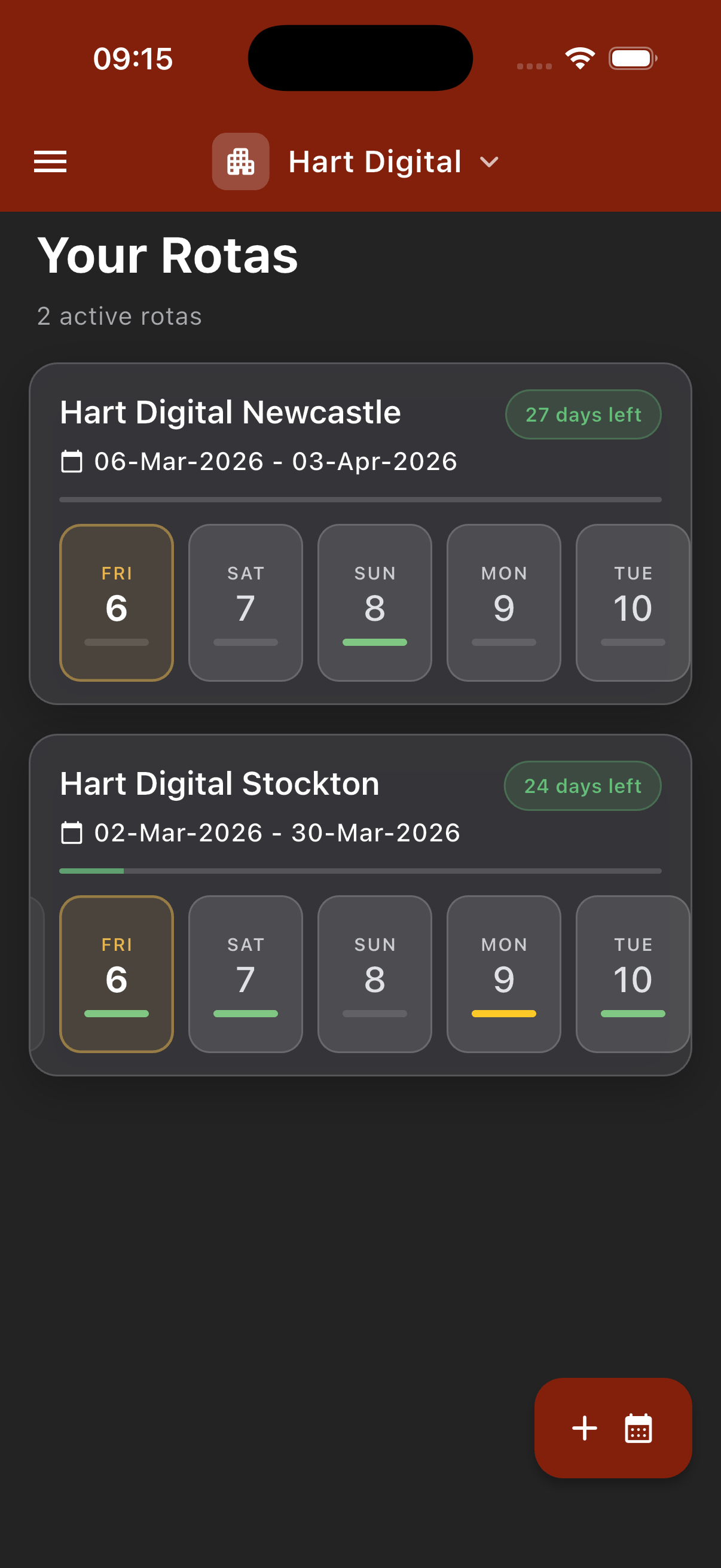
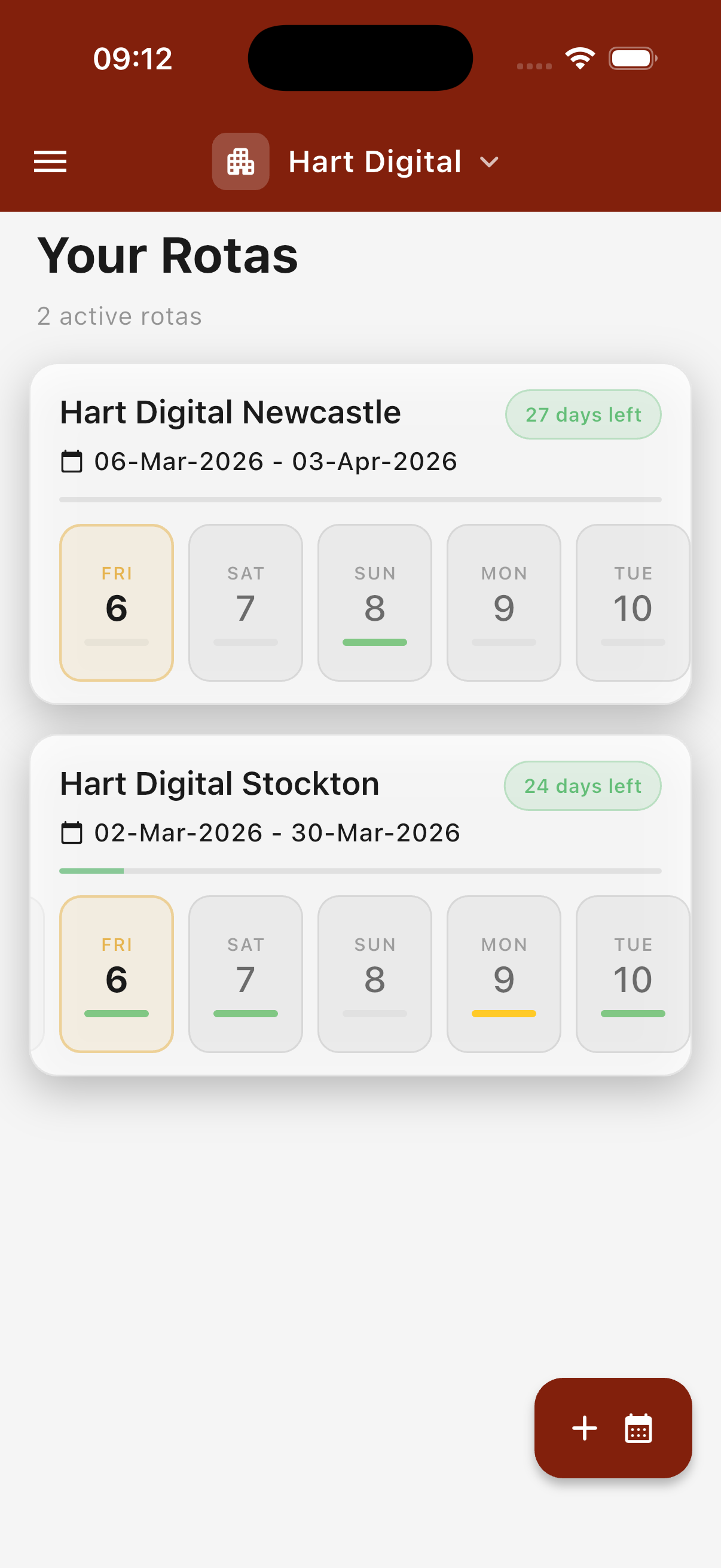
Your rotas at a glance
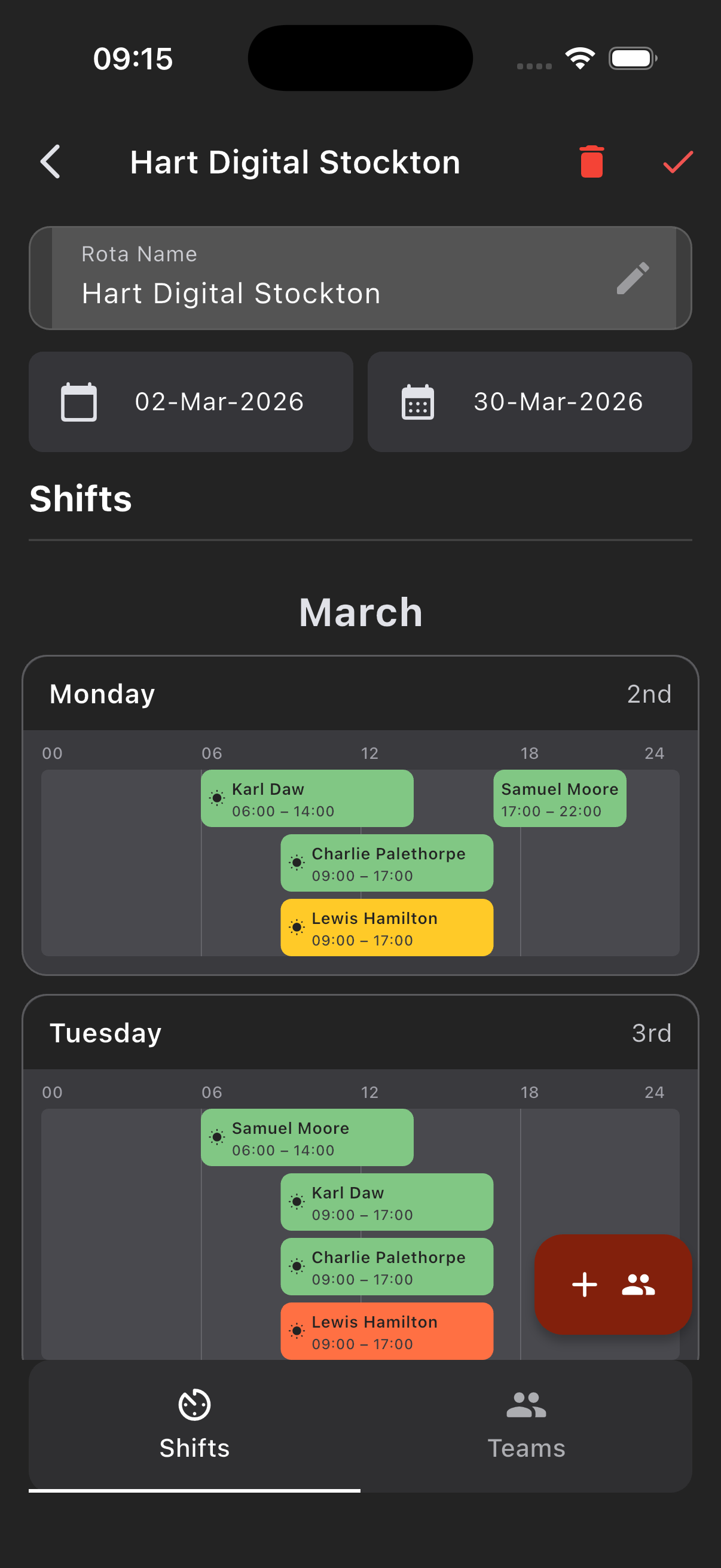
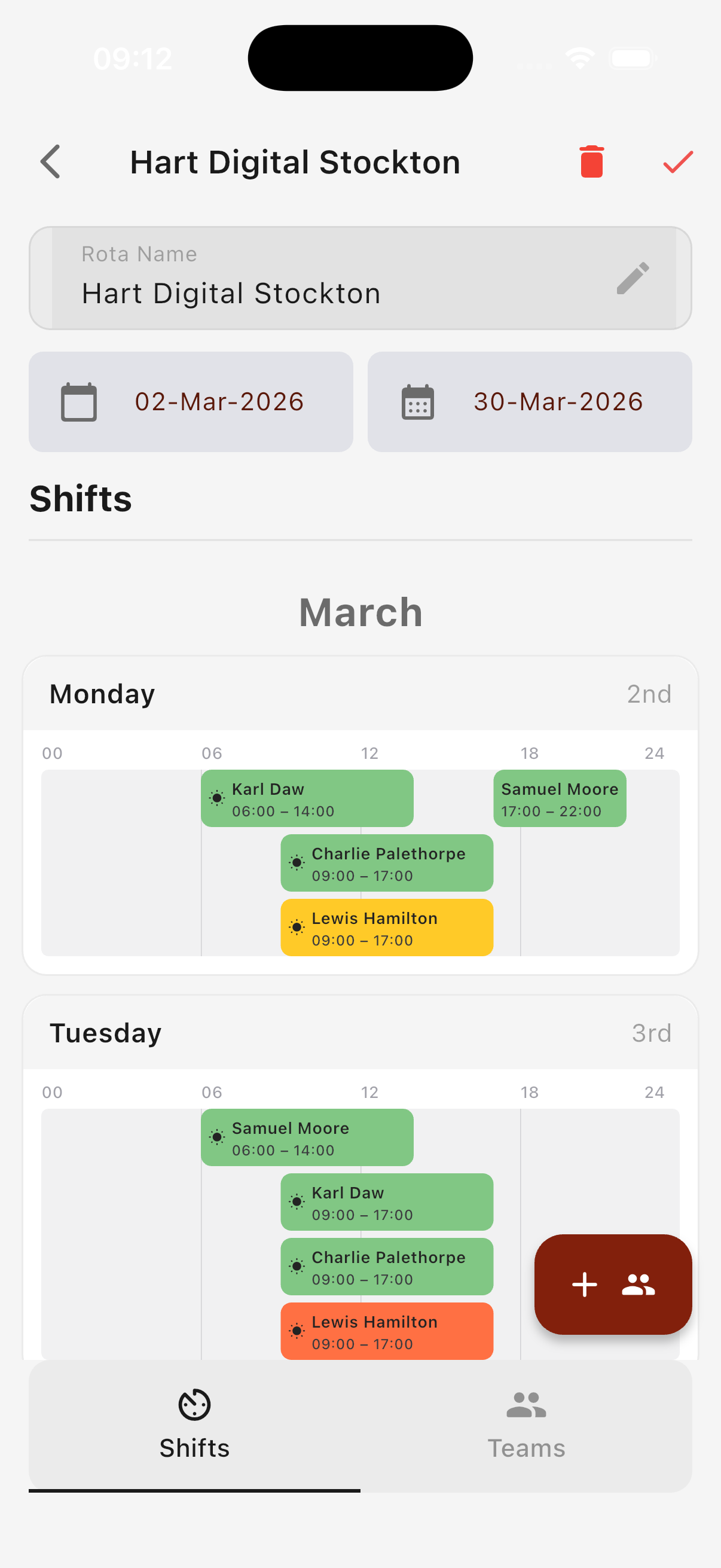
Shifts by day, at a glance
Works for every kind of staff
Whether your team members have accounts or not, everyone stays on the rota.
Linked staff
Staff with app accounts see their own shifts the moment they log in. They can confirm upcoming shifts, receive push notifications, and view all their rotas across every team.
- → Personalised shift dashboard
- → Push notification alerts
- → One-tap shift confirmation
Manual staff
Add any staff member by name only — no app account required. They appear on every rota and can be assigned shifts just like anyone else. Print or export the rota to share with them.
- → No account needed
- → Printable & exportable rotas
- → Seamless alongside linked staff
Ready to take the
chaos out of rotas?
Available on iOS and Android. Free to get started. Your first rota can be live in the time it takes to make a coffee — and significantly less stressful than your current setup.